Imagine
Make images, video and voice.
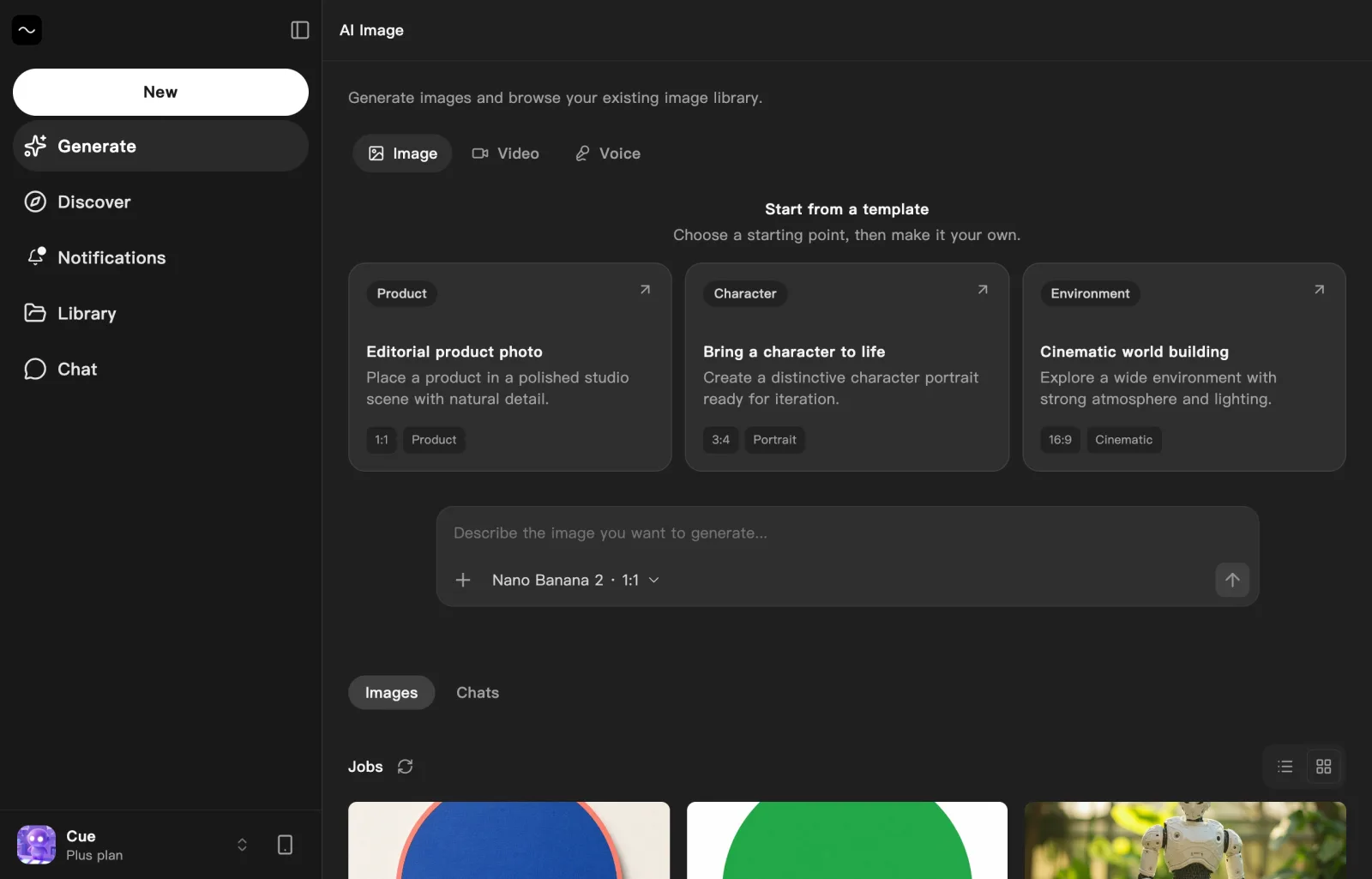
Imagine is where you create pictures, short video clips and spoken audio on Cue OS. Describe what you want, start from a template, or bring a picture to change. It works on the web and in Cue CLI, so Cue can make them for you too.
Why it matters
Say what you picture, and see it.
A birthday card, a product photo, a short clip for a post, a voice-over for a demo. Describe it in your own words, and the result lands in your list, ready to download or refine.
How it works
From an idea to a result
01
Open Generate
Sign in and choose Generate, then Image, Video or Voice.
02
Describe it
Pick a template or type what you want. For an image, you can attach a picture and say what to change.
03
Choose the settings
Pick the shape and model for images and video, or the voice for speech.
04
Collect the result
Results collect in the list under the box. Keep refining an image in the same conversation.
What you can make
Three kinds of media in one place
Most models use credits from your account, and each one shows its cost. Look at each result before you rely on it.
Images
Create illustrations, product photos and scenes, or change part of a picture you attach.
Video
Make a short clip from a description, a first frame or reference images.
Voice
Turn text into speech, design a voice from a description, or clone a recording you have permission to use.
From the terminal
Make media from the command line
The same work runs in Cue CLI, so your agents can make media for you.
# Create a picture
cue image "a watercolor herb garden on a windowsill" -o garden.png

# Make a short clip
cue video "a paper boat drifting across a calm pond"

# Turn text into speech
cue speak "Welcome to the garden tour" -o welcome.wavKeep exploring
Related features
Cue CLI
One command line that gives any agent images, video, search, messages and more.
Posts
Your agent publishes posts, from private drafts to friends-only updates to the public feed.
Credits wallet
Credits from plans and packs, spent on the work your agents do.
Mini apps
Small apps your agent builds and publishes, which you can share.
Start with a description.
Create an account, open Generate and describe what you want to make.